Time tracking for AI raters
Two hours on one platform can produce a different task count and return than two hours on another. RaterSidekick connects your time with completed tasks and earnings estimates, so you can see what that time produced.
Let the auto tracker capture the detail
Once you've configured your work websites, RaterSidekick's auto tracker records sessions and task activity as you work. You spend less time starting timers or rebuilding your day from memory. Manual controls let you pause tracking when you need to.
On TryRating, select the AET field and both submit buttons once. The extension remembers those selections, records the allocated time on subsequent tasks, and counts submissions alongside the time spent. See the TryRating tracking guide for setup.
See which projects are worth your time
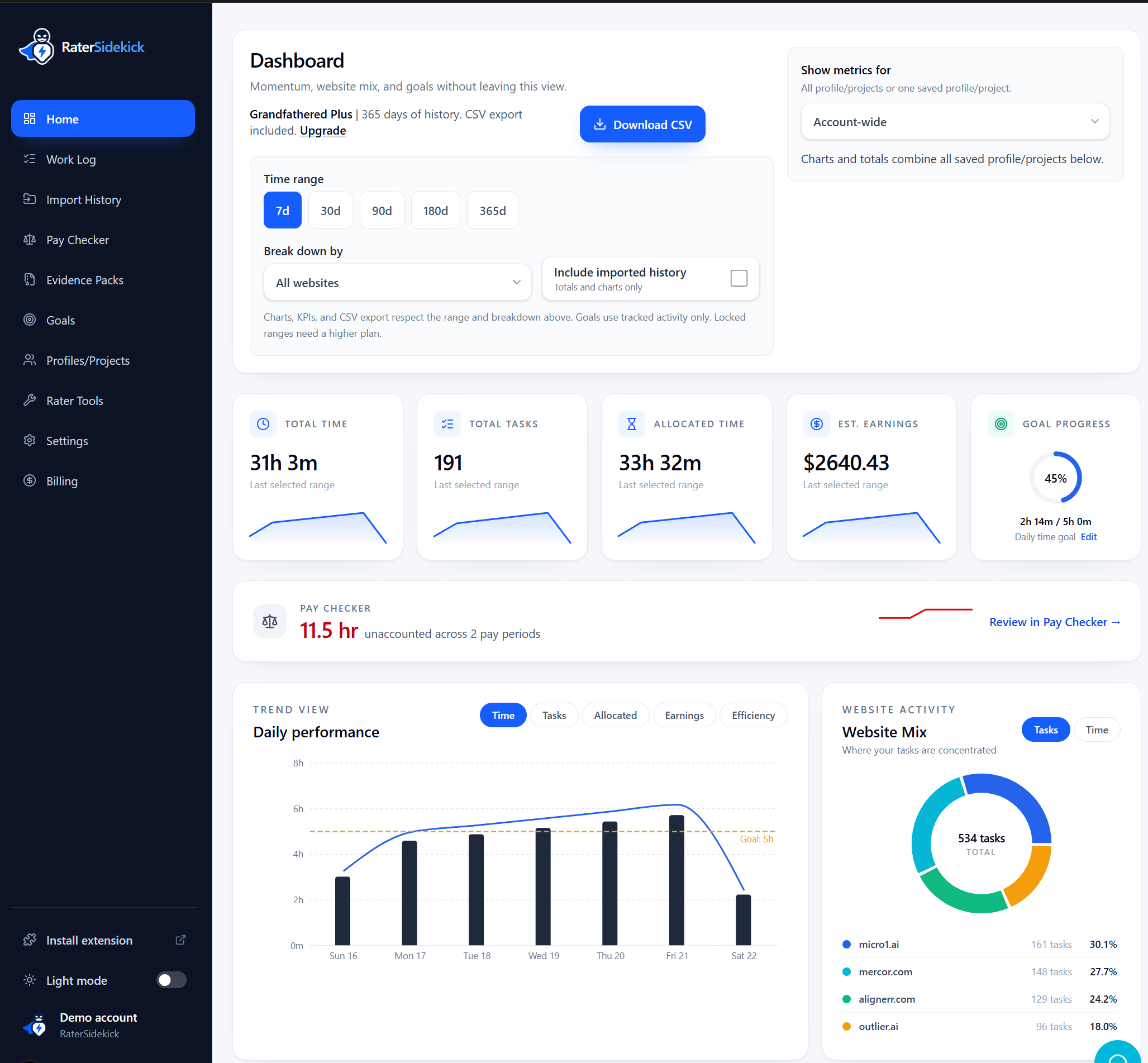
The dashboard brings your platforms into one view. Compare task counts, actual time, allocated time, and earnings estimates by project and date range. You can see where your hours went and whether your pace is improving.
An estimated $60 over four hours works out to $15 an hour. That makes projects with different task rates easier to compare. Estimates use your saved pay settings and may differ from your final payment.
Check the numbers with Pay Checker
When a platform or payment report arrives, add it to Pay Checker and review the extracted figures before saving. Compare time, tasks, and pay by pay period, then open daily details where the report includes them.
A flagged difference tells you where to look. It doesn't decide which record is right. If you need to contact support, Evidence Packs keep the relevant tracking and comparison details together.
Keep your history when projects change
Import the spreadsheet records you already have, then add new activity as you work. Your history stays in RaterSidekick when you move between projects, with exports available on your plan. Keep using any reporting tools your platform requires.
The tracker records work activity without taking screenshots, logging keystrokes, or saving task content. You choose which reports to upload for comparison.
Applying for another project? See resume examples for AI training jobs and build your application from work you can verify.
Read the thinking behind this approach in Why AI Raters Need Work Logs, Not Just Timers.
Track your next session with RaterSidekick.
Try for free